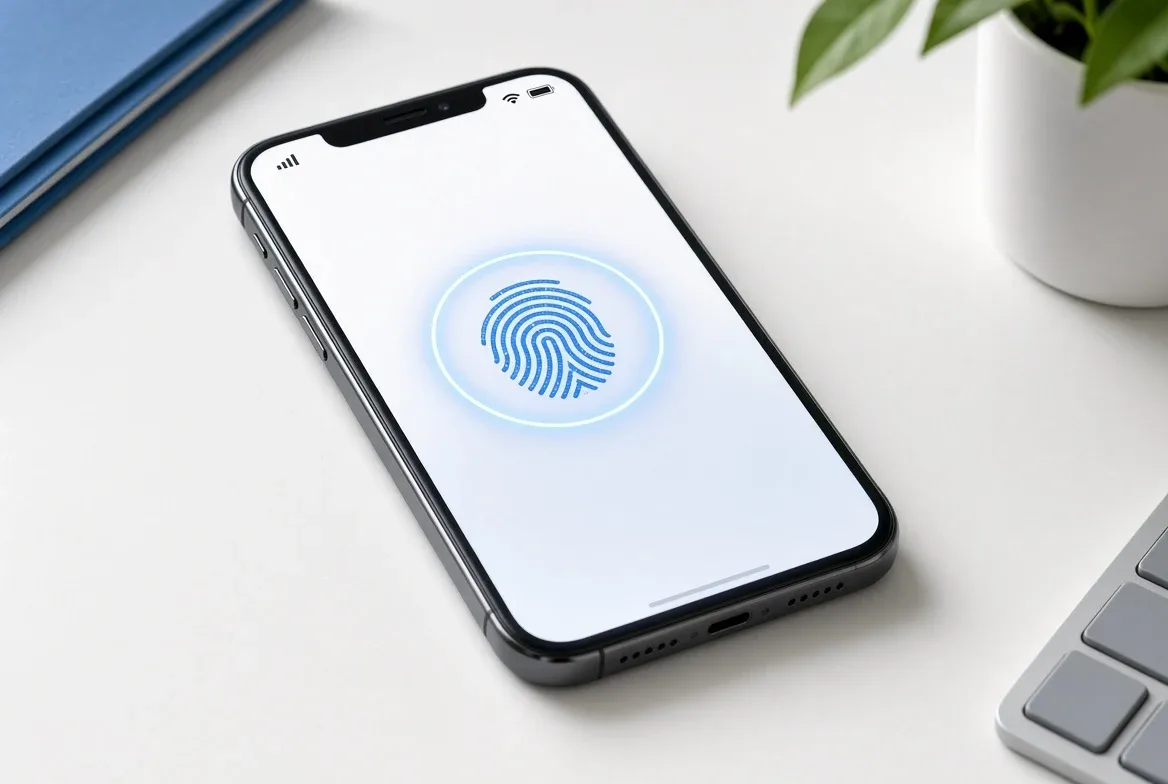
You can sign in to your Google, Apple, and Microsoft accounts with a passkey instead of a password today, and it works on the phone or laptop you already own. The catch: coverage is uneven. A tracker built by a security researcher found 24% of the world’s most popular websites still don’t offer passkeys at all, Instagram and Netflix among them, per TechCrunch’s reporting on the project.
What is a passkey? A passkey is a cryptographic key pair generated by your device, not a string of characters you type or remember. Apple explains that during setup your device creates two mathematically linked keys: a public one stored on the website’s server, and a private one that never leaves your device and that “the server never learns.” Google’s own description matches this: a passkey is a “cryptographic key pair” tied to one specific site, with the private half kept encrypted on your phone, computer, or password manager. Because there’s no shared secret to steal, Apple’s support documentation calls passkeys “highly phishing-resistant” — there’s nothing for an attacker to intercept even if they fool you into visiting a fake login page.
Do I need a hub or special hardware?
No extra hardware is required for most people. Google’s support documentation says you can create a passkey on Windows 10+, macOS Ventura+, or ChromeOS 109+, plus iOS 16+ or Android 9+, with a current browser (Chrome 109+, Safari 16+, Edge 109+, or Firefox 122+). A FIDO2 security key works too, but it’s optional — your phone’s Face ID, Touch ID, or screen-lock PIN does the job for most accounts.
How to create a passkey on your iPhone
- Go to the app or website’s account security settings and look for a “passkey” or “passwordless sign-in” option — Apple’s own guidance points to this living under Settings for Apple ID passkeys, or within each app’s account page for third-party services.
- Choose to create or save a passkey. Your iPhone will prompt for Face ID or Touch ID to generate the key pair.
- The passkey syncs to your other Apple devices automatically through iCloud Keychain, which Apple says uses end-to-end encryption “with strong cryptographic keys not known to Apple.”
- To sign in later, select the passkey option at login and confirm with Face ID, Touch ID, or your device passcode — no password field involved.
Apple’s recovery flow is deliberately strict: its support documentation states you get “only 10 attempts to authenticate” a new device before you need Apple Support’s help, rate-limited to block brute-force attempts “even by Apple” itself.
How to create a passkey for your Google Account
Follow the steps in Google’s support page on creating and using passkeys:
- On a signed-in device, go to myaccount.google.com/signinoptions/passkeys.
- Select Create a passkey and pick which device will hold it.
- Unlock that device (fingerprint, face recognition, or PIN) to finish.
Google’s support page notes a real limitation worth planning around: a newly created passkey can take up to seven days before it’s fully trusted for sign-in, unless you already have another verified security key on the account to speed that up. Adding a passkey doesn’t remove your password or other recovery options, per Google — you can still sign in the old way unless you separately turn on “Skip password when possible.”
Which accounts still don’t support passkeys?
Coverage varies a lot by company. TechCrunch’s reporting on the project, covering the tracking site whynopasskeys.com built by security researcher Scott Helme, found Apple, Google, and Microsoft offer full passkey support, and Meta supports it through Facebook and WhatsApp — but not standalone Instagram, which requires linking to a Facebook account with a passkey already enabled. Netflix and Spotify were both cited as still requiring a password as of that June 2026 report. Helme told TechCrunch the point of the public list is pressure: “Nobody wants to be on the list.”
The catch: syncing, recovery, and lock-in
- Sync isn’t universal. A passkey in Apple’s iCloud Keychain stays in the Apple ecosystem unless you use a cross-platform password manager; Google’s Password Manager, per a September 2024 TechCrunch report, had synced automatically to Windows, macOS, Linux, and Android by then, with iOS listed as “coming soon.”
- Losing your device is a real risk. Google’s own FAQ guidance warns that anyone who unlocks a device holding your passkey can access the linked account — so passkeys should only live on personal devices you control, and a backup sign-in method matters.
- Recovery has waiting periods and limits by design. Apple’s 10-attempt cap and Google’s up-to-seven-day trust delay for new passkeys are both intentional friction against attackers, not bugs — but they mean you shouldn’t wait until you’re locked out to figure out your recovery options.
- Passwords aren’t gone yet. Even accounts that support passkeys, including Google’s, keep the password as a fallback unless you explicitly turn it off.
FAQ
Can I still use my password after setting up a passkey?
Yes. Google’s support documentation confirms your password stays active as a fallback sign-in method unless you separately enable the “Skip password when possible” setting on your account.
What happens if I lose the phone my passkey is on?
The passkey remains tied to that device until it’s removed, either through a factory reset or by deleting it manually from your account’s device list — Google recommends setting up an additional verification method as a backup before that happens.
Is a passkey actually more secure than a password?
According to Google’s FAQ, yes: passkeys resist guessing and reuse attacks, are tied to one specific website so they can’t be phished onto a fake one, and rely on biometric or device-level unlock rather than a memorized string.
Do I need to buy a hardware security key?
No. A FIDO2 hardware key is one supported option, per Google’s documentation, but the biometric or PIN unlock already built into a modern phone or computer satisfies the requirement for most accounts.
For a related apps perspective, read How to Stop Apps from Tracking You Across Other Apps on Your iPhone.
For more context, read Complete Guide to Pop Culture Trends: What Matters Now.
For more context, read Verizon: News and Telecom.
For more context, read How YouTube's ad revenue share actually works.